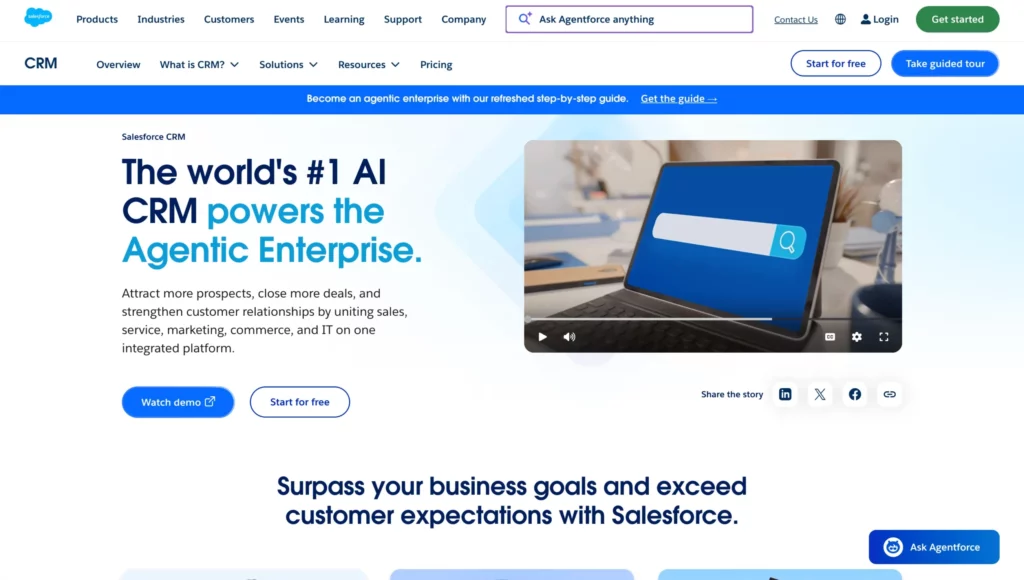
Salesforce is still the default enterprise CRM. It is also the CRM you can hear the most complaints about in buying committees: the bill grows with every seat and add-on, serious customization needs Apex developers, and advanced AI is sold on top of the licenses you already pay for.
The reasons teams start looking Salesforce alternatives are consistent:
- Licensing costs that escalate as you add users, features and integrations;
- A steep learning curve and a cluttered interface that slows adoption;
- Customization and non-Salesforce integrations that need long, expensive projects;
- Support that many users describe as slow or inconsistent.
Below is a deliberately short list, I filtered with Gartner’s 2026 Magic Quadrant for CRM Sales Platforms (the successor to its Sales Force Automation report) and show each vendor’s placement.
What to look for in a Salesforce alternative?
These five questions separate the platforms faster:
- Who can change it? If every new field or workflow needs a developer, you have rebuilt the Salesforce problem.
- Is AI included or metered? Check whether agents come with the license or are billed per conversation, credit or add-on.
- What does it cost at scale? Model year three with your real user count, integrations and AI usage, not the entry tier.
- How long until value? Ask for a realistic implementation range for a company your size.
- Does it fit your stack? ERP, telephony, identity, data platform: confirm connectors exist before the demo, not after the contract.
1/ Creatio: best for no-code and governed AI agents at mid-size and enterprise scale
Creatio is an AI CRM and workflow platform for marketing, sales and service, built on one no-code, AI-native platform. Its pitch is blunt: people and AI agents working together with no limits on users, agents or scale. It is the closest thing to Salesforce’s breadth without Salesforce’s dependence on developers.
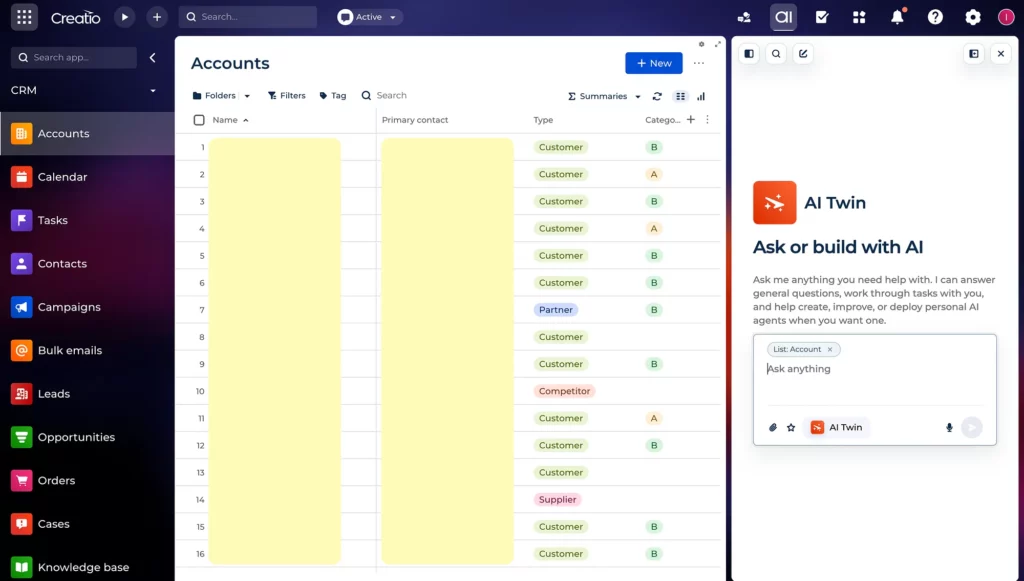
Best for: mid-size and large organizations that want enterprise CRM, workflow automation and governed AI agents on one platform, changed by business teams rather than a dev backlog.
Gartner 2026: Visionary in the Magic Quadrant for CRM Sales Platforms, the only vendor in that quadrant. Gartner singled out its AI governance: session monitoring, latency and token tracking, audit trails, evaluation tools and rollback.
a) AI-native, not AI bolted on
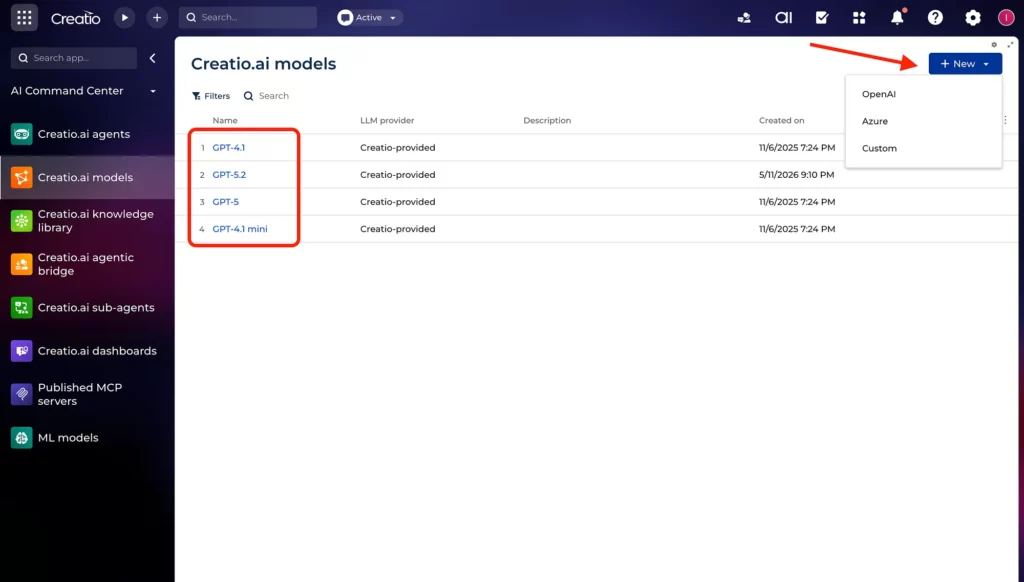
Every data object, relationship and process in Creatio is natively accessible to AI agents, so agents act with full business context. You can use any leading LLM or bring your own model. Salesforce, by contrast, spreads AI across Einstein, Agentforce and Einstein 1 Studio, and advanced features can require separate products or consumption-based services.
b) True no-code, plus AI coding agents
Creatio Business Studio gives business users visual designers for pages, data models, BPMN workflows, dashboards and mobile apps.
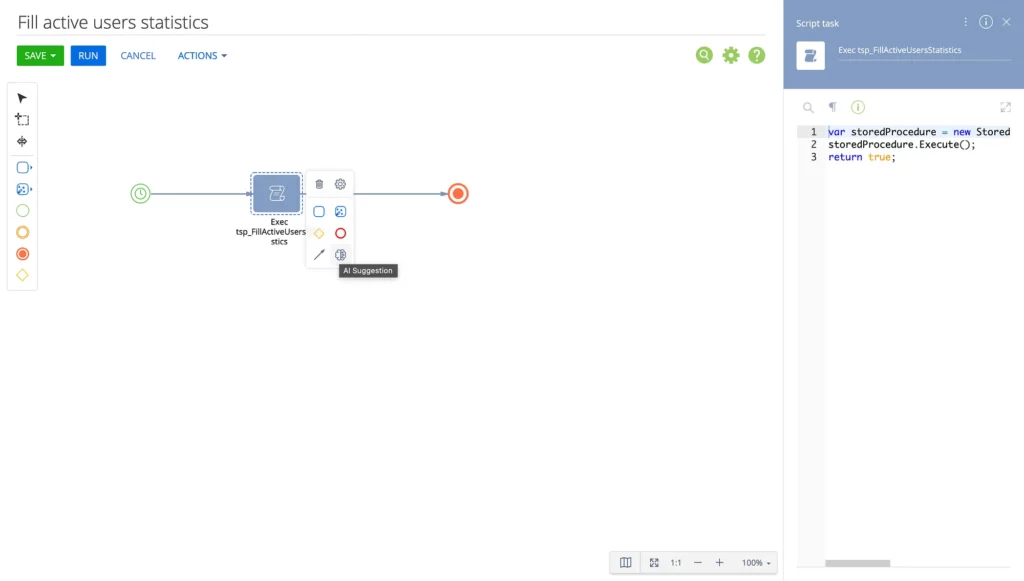
Developers can plug in coding agents such as Claude Code, Codex and GitHub Copilot to generate apps from natural language.
Creatio says this builds business apps up to 10x faster and customizes workflows up to 80% faster than code-heavy alternatives.
Nucleus Research found a 50% reduction in turnaround time for system customizations. One customer who switched from Salesforce told Nucleus the drag-and-drop tools “eliminated what were pretty lengthy coding processes.”
c) AI Studio and AI Twin: a governed agent lifecycle
Creatio AI Studio covers the full agent lifecycle: prompt, workflow and code agent designers, MCP tools, channel configuration, LLM connectivity, governance, observability and usage budgets.
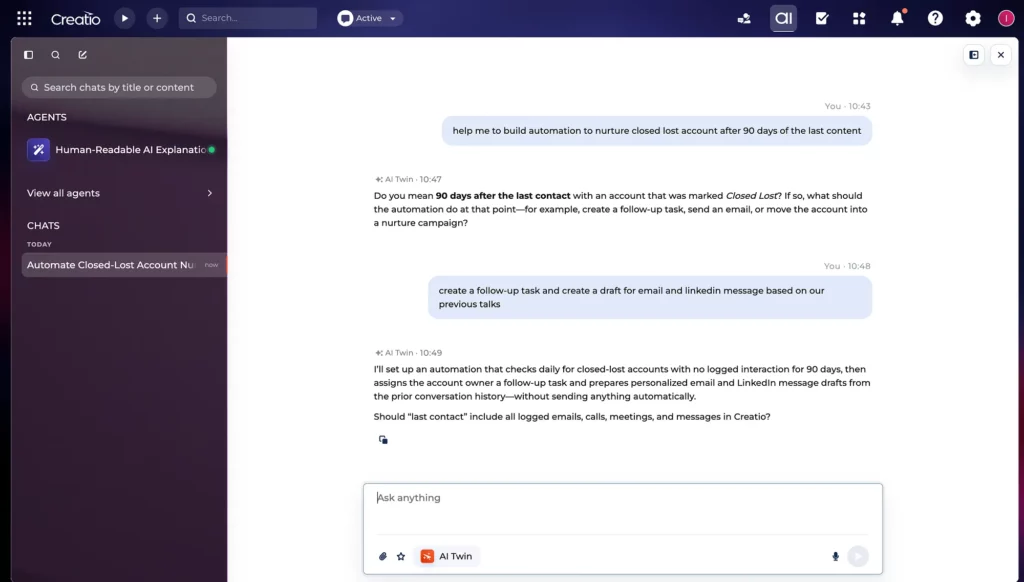
Creatio AI Twin lets any employee describe a goal in plain language and assembles the agents, workflows and skills for it. Agents inherit the permissions of the user they act for, with audit trails and human-in-the-loop checkpoints. Salesforce’s Agentforce is built mainly around admins and developers.
d) Prebuilt agents across marketing, sales and service
You don’t start from a blank canvas. Creatio ships role-specific agents out of the box:
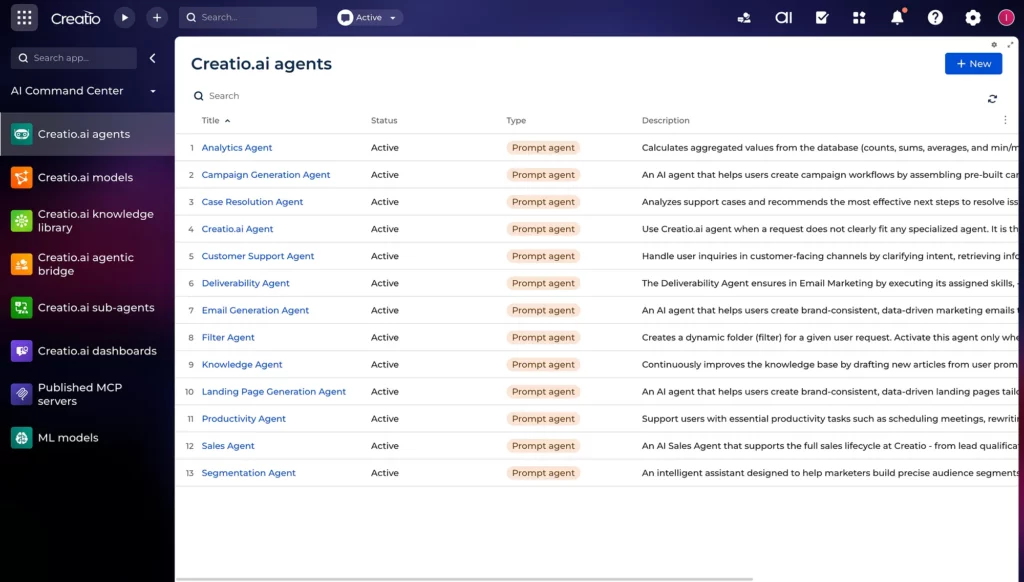
- Sales: data enrichment, account awareness, lead and opportunity insights, meeting preparation, next best offer/action, sales productivity;
- Marketing: segmentation, campaign generation, email creation, asset generation, campaign optimization, conversion insights;
- Service: case understanding, resolution guidance, knowledge creation, next best action, root cause analysis, agent productivity.
e) An unlimited model instead of per-seat penalties
Creatio’s Unlimited plan includes the full platform and CRM products with no limits on users, AI agents, workflows, applications, custom objects or API calls.
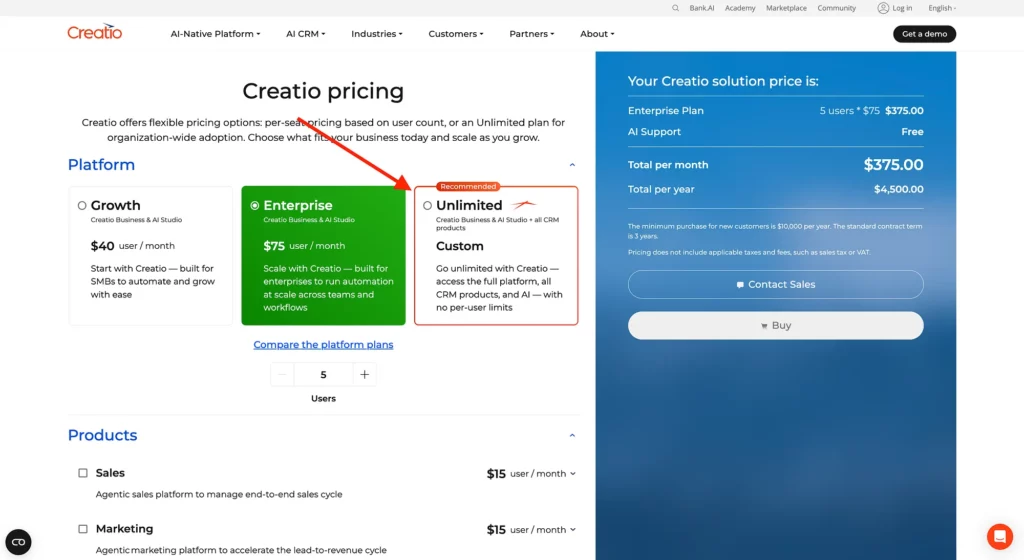
If you prefer per-user pricing, it is composable: the platform starts at $40 per user/month, each CRM product (Sales, Marketing, Service) from $15 per user/month, with AI capabilities included by default.
Compare that with paying for Salesforce seats and then again per AI conversation or credit.
f) Faster implementation and lower TCO, measured independently
Nucleus Research interviewed customers who moved to Creatio from Salesforce and Microsoft and found:
- 37% average reduction in technology costs;
- 61% faster lead response time and 11% higher conversion rates;
- 17% less manual data entry for sales teams;
- Implementation about 70% faster in one customer’s case, compared with their failed Salesforce deployment.
Creatio puts typical implementations at 6–16 weeks versus six months or more for complex Salesforce projects.
g) Industry workflows for 20+ verticals
Creatio ships industry-ready workflows and data models for banking, credit unions, insurance, manufacturing, pharma, the public sector and more.
You adapt them with no-code instead of fighting a rigid template. Avidia Bank achieved in six months what its previous CRM initiative had not delivered in six years; 86% of its workforce now uses Creatio.
h) Cloud or on-premises, and room to coexist with Salesforce
Creatio offers both cloud and on-premises deployment; Salesforce is cloud only. You also don’t have to rip and replace: Creatio supports three paths, replace Salesforce, consolidate some processes onto Creatio, or coexist with Salesforce as the system of record while Creatio runs workflows and agents on top. Read more on Creatio vs Salesforce guide.
On G2, Creatio outscores Salesforce on ease of use (9.0 vs 8.1), ease of setup (8.4 vs 7.8) and quality of support (9.2 vs 8.0), with average ROI in 11 months versus 15, per G2 figures compiled by Creatio.
Where Creatio is weaker
- Configuration burden on advanced AI. Gartner warns that sophisticated AI workflows can require considerable design work involving skills, folders and prompt logic.
- Smaller ecosystem. Salesforce’s AppExchange, partner network and pool of certified talent are bigger. Creatio concedes this itself.
- No-code still has a learning curve for teams that have never built their own workflows.
- Not the cheapest option for small teams that only need a simple sales pipeline; HubSpot or Zoho will be easier to justify there.
2/ Microsoft Dynamics 365: the safe default for Microsoft-centric enterprises
Gartner 2026: Leader, alongside Salesforce.
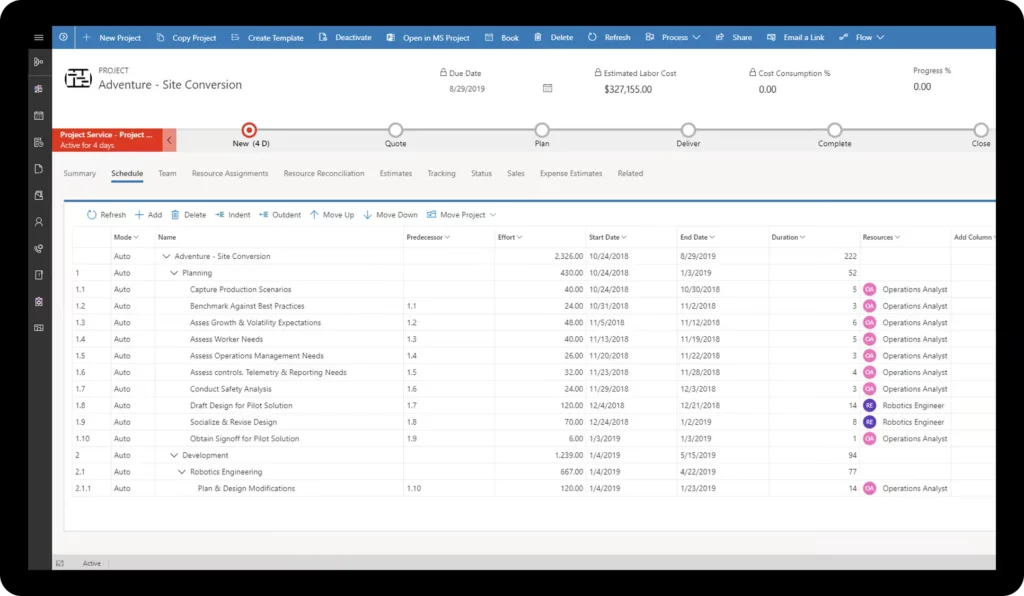
Dynamics 365 is Microsoft’s CRM and ERP family. Sales, Customer Service, Field Service and Customer Insights (marketing) are separate apps on a shared data platform.
Pros
- Native fit with Outlook, Teams, Microsoft 365 and Copilot;
- Sales Research Agent combines CRM data, web insights and SQL context to investigate accounts and pipeline risk;
- Power Platform for low-code apps and automation, plus a shared data layer with Microsoft’s ERP apps;
- Cheap Team Member licenses (about $8/user/month) for people who only need read access and approvals.
Cons
- Complex licensing: each app is licensed separately, so a full front office means stacking products;
- AI agents typically consume Copilot Studio credits on top of the per-user fee;
- Real cost runs well above list. CostBench estimates year one for a 25-user team at about $53.5K versus a $31.5K license line, once implementation and add-ons are counted.
- Complex customization usually needs a Microsoft partner.
Pricing (per user/month, annual). Sales Professional: $65, Sales Enterprise: $105, Sales Premium: $150, Customer Insights (marketing): $1,700 per tenant/month.
3/ HubSpot: best for growing teams that want speed over depth
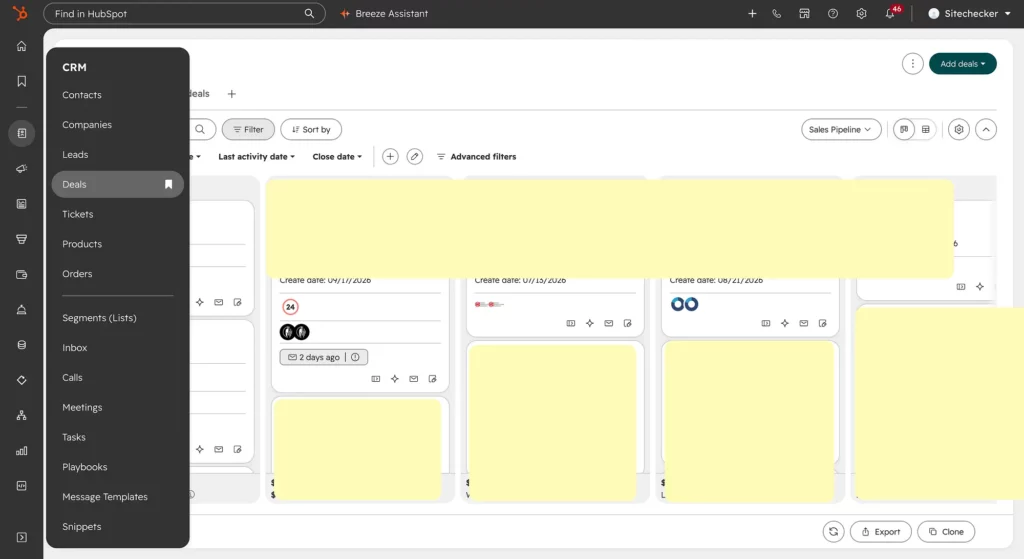
Gartner 2026: Challenger, up from Niche Player in 2025, the biggest move in this year’s report. HubSpot is an all-in-one customer platform (marketing, sales, service, content, data) and the easiest CRM on this list to adopt.
We’ve used Hubspot Sales Hub to manage the Sitechecker pipeline for 4 years. The main value of Hubspot for me is a lot of integrations, which allows you to export and import data in other tools and build automations based on that.
However, for many things it’s not good enough. I don’t like how the “Lead” entity used in their reports.
Pros
- Fastest time to value: clean UI, minimal training;
- Strong high-velocity sales and activity management;
- Marketing, sales and service on one data model, with a large app marketplace;
- Transparent, published pricing.
Cons
- A big jump from Starter to Professional: sequences and workflows only start at Professional.
- Mandatory onboarding fees at Professional and Enterprise, and annual contracts only.
- Limited room for complex, enterprise-specific process customization.
Pricing (Sales Hub, per seat/month). Free CRM: $0, Starter: $15 annual / $20 monthly. Professional: $100, plus $1,500 one-time onboarding. Enterprise: $150, plus $3,500 one-time onboarding
4/ Oracle: best for companies already on Oracle ERP
Gartner 2026: Challenger, down from Leader in 2025.
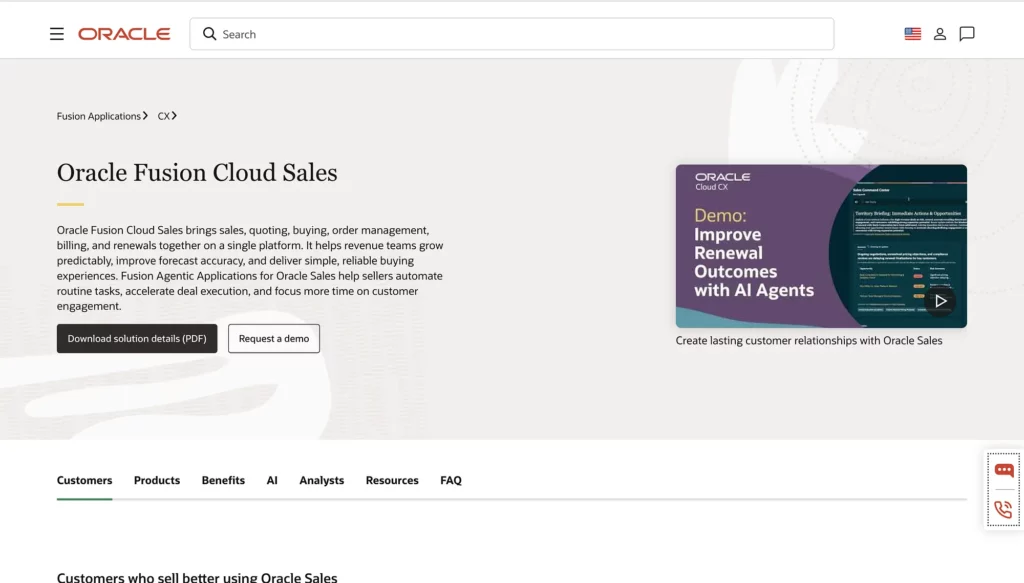
Oracle Fusion CX Sales is part of Oracle’s cloud suite alongside Fusion ERP, HCM and Eloqua marketing automation.
Pros
- AI assistants and agents draw on ERP, marketing and other Oracle data, a real edge if Fusion ERP runs your finance;
- Sales Plays turn a strategy prompt and supporting documents into recommended seller actions;
- Enterprise scale, industry editions and Eloqua for complex B2B marketing;
- Deep negotiation room: licensing advisors report enterprise discounts of 30–55% off list, versus 10–30% typical for Salesforce.
Cons
- Gartner says its agentic AI can be complicated to configure and maintain;
- No published price list; key capabilities are separate add-ons. CPQ alone lists at about $240/user/month with a three-year minimum;
- Generative AI features are sold as per-user add-ons on top of the edition price;
- Renewal uplifts of 4–8% per year are the default.
Pricing (per user/month, list; Oracle quotes each deal). Professional: $65, Standard: $100, Enterprise: $200, Premium: $300.
5/ Zoho CRM: best value pick
Gartner 2026: Challenger, moved up from Visionary.
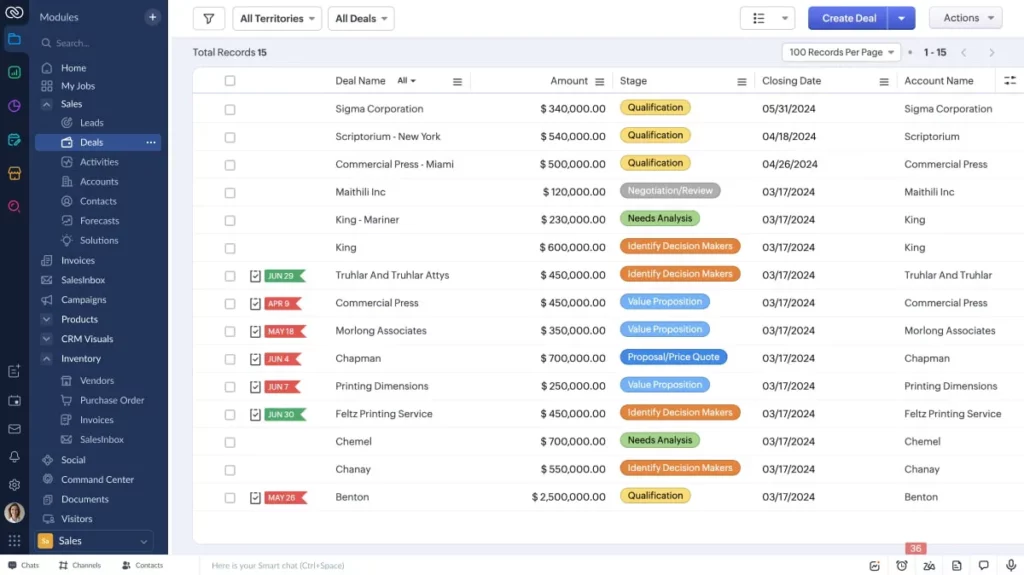
Zoho CRM is the CRM inside a 45+ app business suite, priced for SMBs but increasingly used by mid-size companies.
Pros
- The lowest price on this list, with a free plan for up to 3 users.
- Gartner credits its Zia AI layer with a relatively unified experience for predictive scoring and assistant-led workflows, and Zia Agent Studio for multi-agent orchestration.
- Blueprint, a visual process-enforcement engine, from the Professional tier.
- Zoho One bundles CRM with Desk, Books, Analytics and dozens more apps.
Cons
- Zia was not available in the mobile app Gartner evaluated.
- The full Zia assistant only starts at the Enterprise tier.
- Monthly billing costs roughly 20–35% more than annual.
- Zoho One must be licensed for every employee on the payroll, not just CRM users.
Pricing (per user/month, annual / monthly). Free: up to 3 users, Standard: $14 / $20, Professional: $23 / $35, Enterprise: $40 / $50, Ultimate: $52 / $65.
How to choose
- Mid-size or enterprise, want Salesforce-level breadth without the developer dependency, and plan to scale governed AI agents: Creatio.
- Under ~50 users, simple pipeline: HubSpot or Zoho.
- Deep in Microsoft, or you want the safest analyst-backed choice: Dynamics 365.
- Already on Oracle ERP: Oracle.
Salesforce built the cloud CRM era by replacing on-premises software. The next shift is from developer-heavy CRMs to platforms where business teams and AI agents change the system themselves. Of the five, Creatio is the one built for that from the ground up.
P.S. Also read